Skip to content

Updates

Every version of Cozy World, with highlights and full patch notes.

Version 0.6.5Latest version

Bubble baths, furnished apartments and a new pause menu

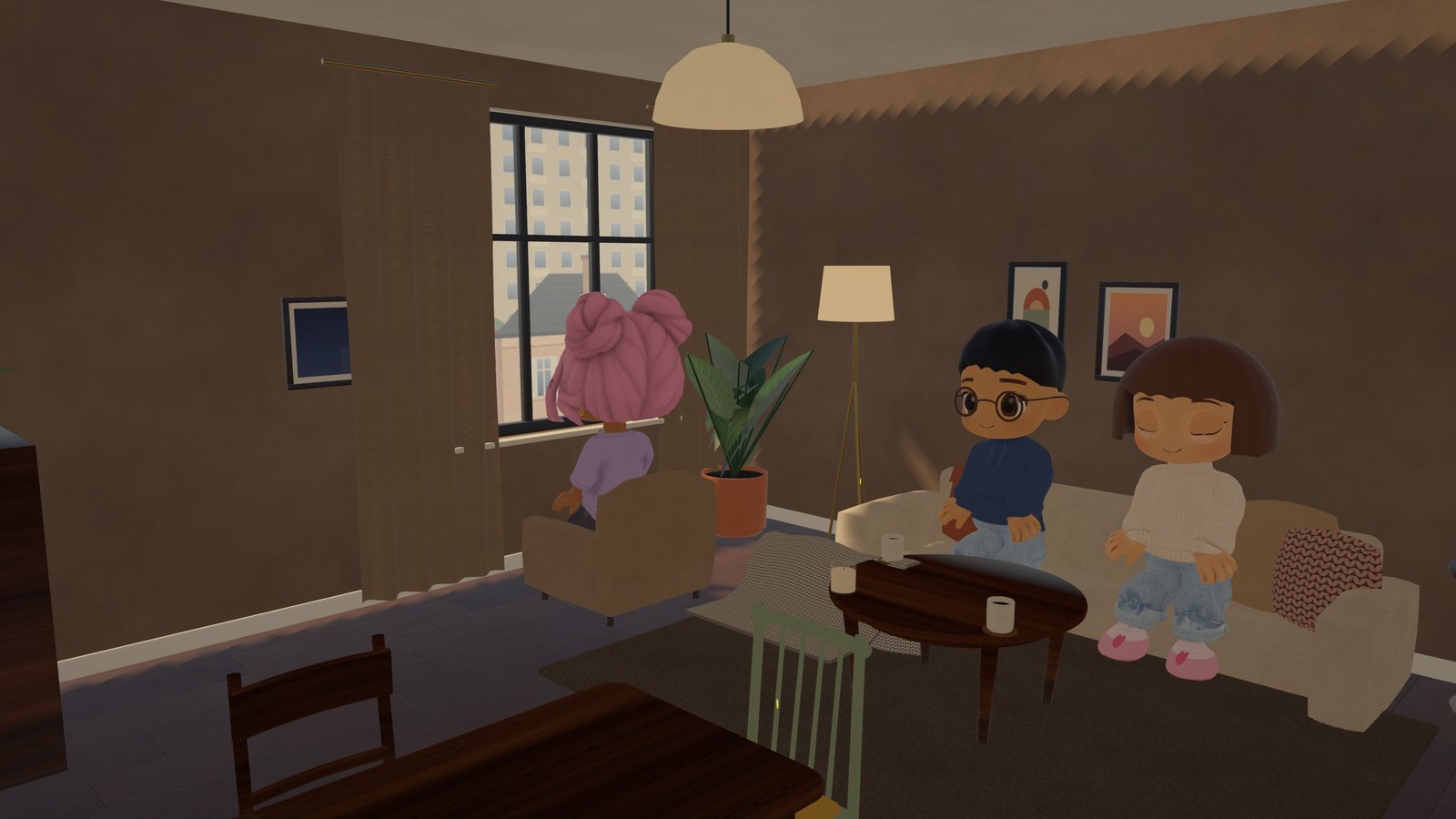
The bath fills up nicely, with foam, and you can get in. Every apartment comes fully furnished. A new pause menu, voice starts with a key in the browser, code input on phones no longer disappears, and PC updates get much smaller.

  • Bath: pretty water, foam and you can get in
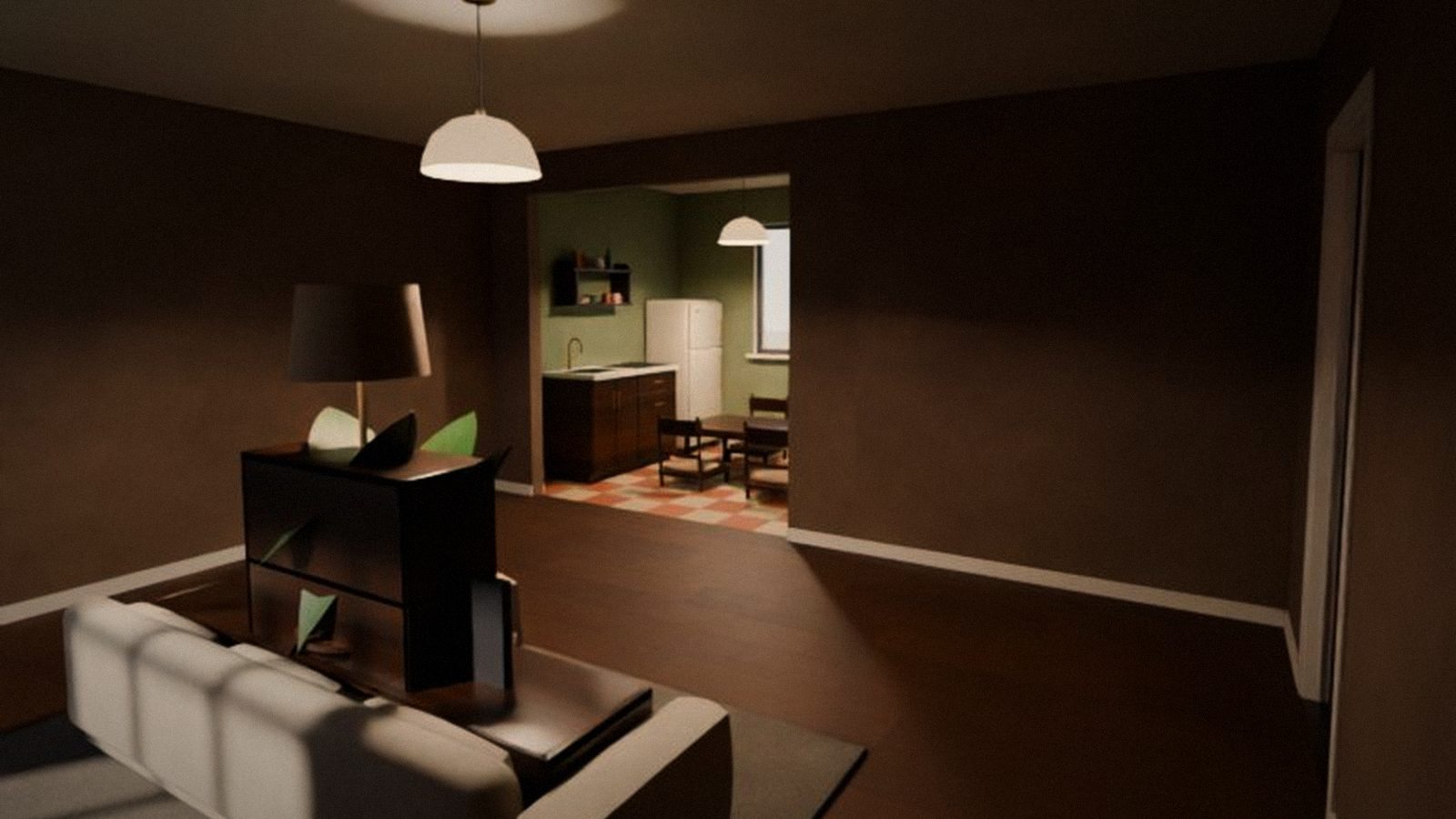
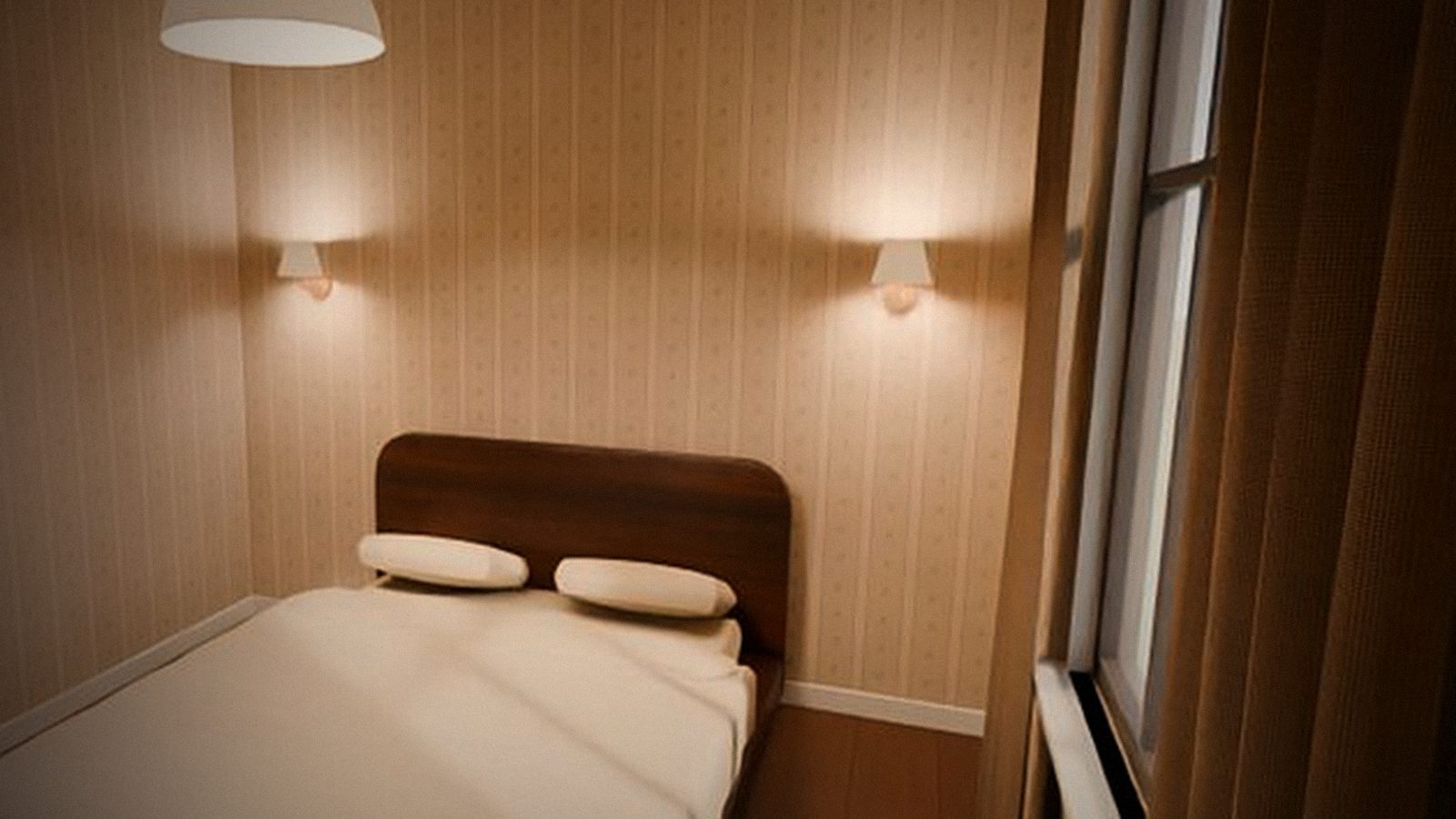
  • Apartments come fully furnished
  • A new, clear pause menu
  • Voice in the browser starts with the M key
  • Entering codes on phones works
  • Windows
  • Browser
  • Mobile
  • Telegram

All versions

  • Cover image for version 0.6.4
    0.6.4

    Voice chat and custom keys

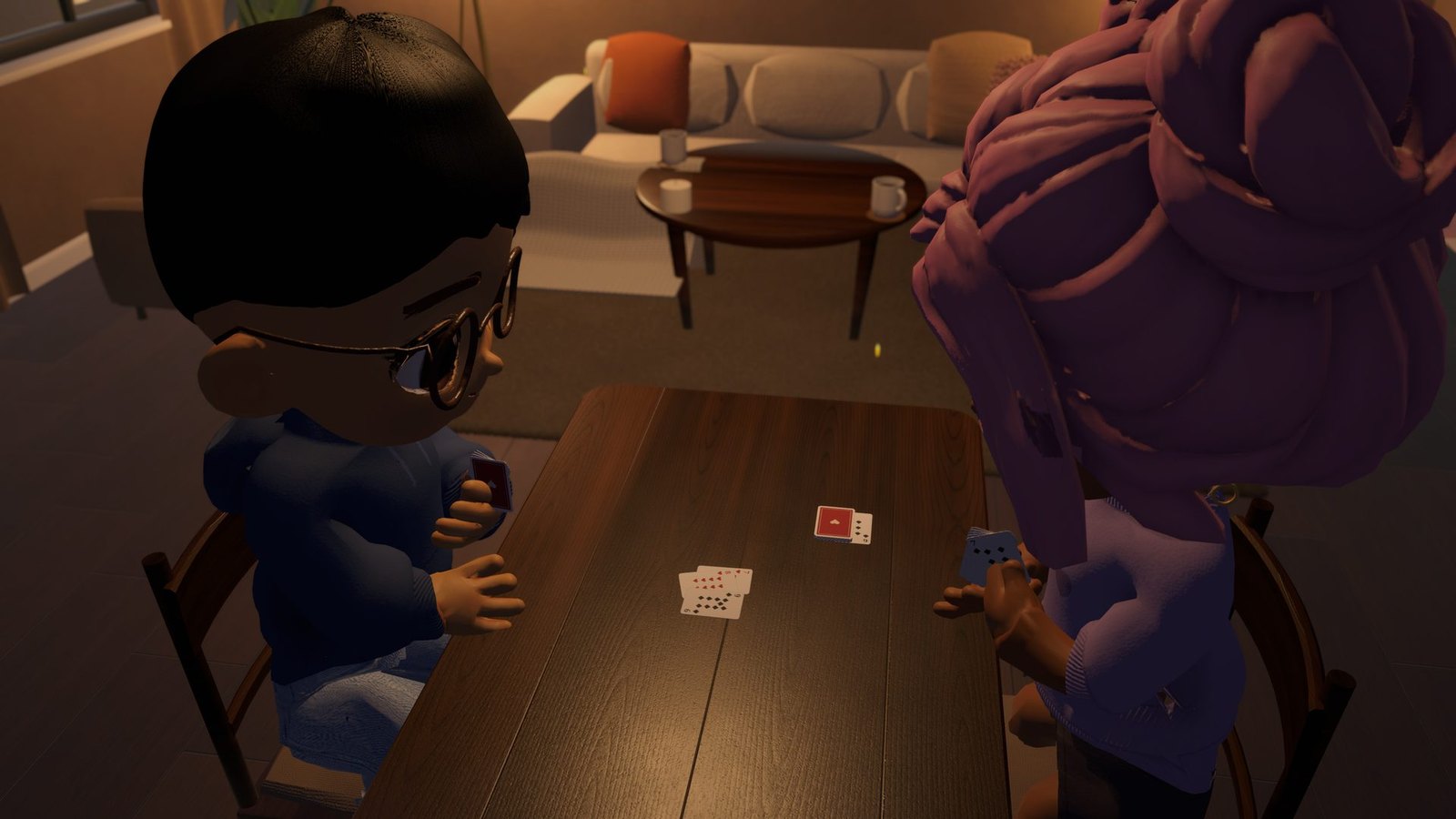
    Voice chat is here: talk to your guests, neighbours in the yard or players at the card table — on PC, in the browser and in Telegram. Voices get quieter with distance. And on PC you can now rebind any key.

    • Windows
    • Browser
    • Mobile
    • Telegram
  • Cover image for version 0.6.3
    0.6.3

    Lively pets, friends 2.0, durak with a bot, quests and a kitchen

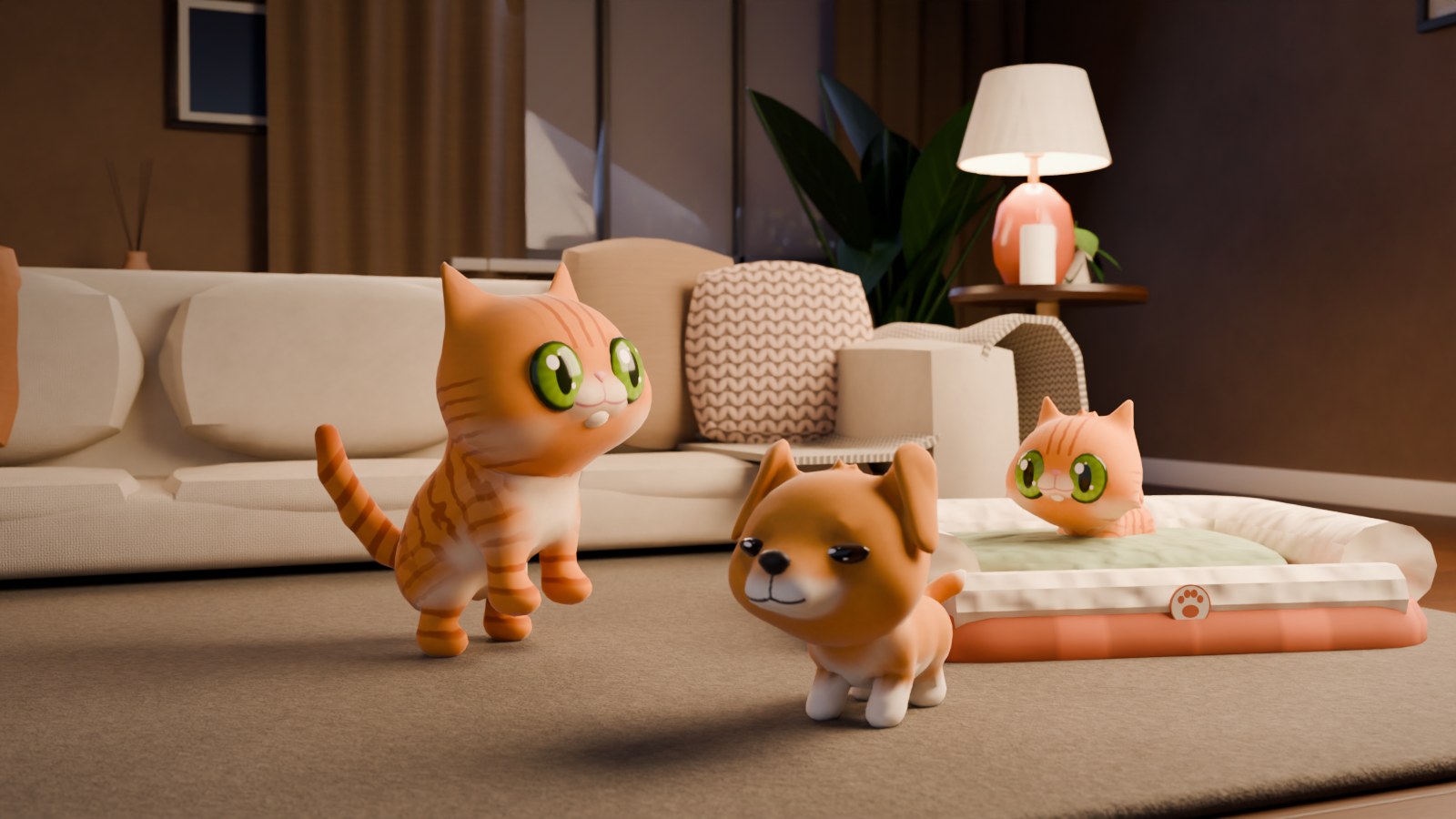
    A big update: pets purr and bark, curl up in your bed and walk around the home smarter. You can message friends and send them gifts, play durak with a bot or find an opponent. Daily quests, a kitchen with a fridge and chopping, and sharpness settings are here.

    • Windows
    • Browser
    • Mobile
    • Telegram
  • Cover image for version 0.6.2
    0.6.2

    Several devices and loading right in the game

    You can now play with one Telegram account on several devices — signing in on your phone no longer kicks you out on your computer. In the browser the game opens right away and the world finishes loading in the menu.

    • Windows
    • Browser
    • Mobile
    • Telegram
  • Cover image for version 0.6.1
    0.6.1

    Your pet shows you around, and the browser loads faster

    Newcomers are now greeted by a surprise box: your pet shows you how to make the apartment cozy and gives you a Friendship wreath. In the browser the game no longer re-downloads in full after every update.

    • Windows
    • Browser
    • Mobile
    • Telegram
  • Cover image for version 0.5.0
    0.5.0

    Pets: a kitten or puppy that grows up with you

    Adopt a cat or a dog: your pet lives in your apartment, greets you and your guests, grows from a baby to an adult, learns tricks and wears cute outfits. Plus your own yard for walks.

    • Windows
    • Browser
    • Mobile
    • Telegram
  • Cover image for version 0.4.0
    0.4.0

    Game room, your own layouts and invite links

    A big update: your own game room for durak, five apartment layouts and an editor to draw your apartment yourself, invite a friend with one link in Telegram — and durak that's comfy on phones.

    • Windows
    • Browser
    • Mobile
    • Telegram
  • Cover image for version 0.3.3
    0.3.3

    Graphics tuned to your device

    The game now picks graphics settings for your phone or computer by itself, and there's noticeably less flicker and stutter on phones.

    • Windows
    • Browser
    • Mobile
    • Telegram
  • Cover image for version 0.3.2
    0.3.2

    No more getting stuck or flicker

    A fix after 0.3.1: you no longer get stuck after standing up from a chair at a table, feet don't slide when walking, and on phones the wardrobe flicker and picture flashes are gone.

    • Windows
    • Browser
    • Mobile
    • Telegram
  • Cover image for version 0.3.1
    0.3.1

    Furnishing by touch and phone fixes

    A small update after 0.3: E now sits you on chairs and sofas, you can furnish your apartment by touch, the game starts like an app on phones, and the interface is no longer covered in Telegram and on iPhone.

    • Windows
    • Browser
    • Mobile
    • Telegram
  • Cover image for version 0.3.0
    0.3.0

    Phones, Telegram and easier controls

    Cozy World now plays on phones — in the browser or right inside Telegram. One-tap sign-in through the bot, mouse camera without extra clicks, key hints and a small installer that lets you pick the folder.

    • Windows
    • Browser
    • Mobile
    • Telegram
  • Cover image for version 0.2.0
    0.2.0

    Play in your browser and sign in with Telegram

    Cozy World now opens right from a link in your browser — in the same apartment as players on Windows. Telegram sign-in, one account on every device, a Windows installer with smart updates and a brand-new view from the windows.

    • Windows
    • Browser
  • Cover image for version 0.1.0
    0.1.0

    First release: your own apartment and friends over

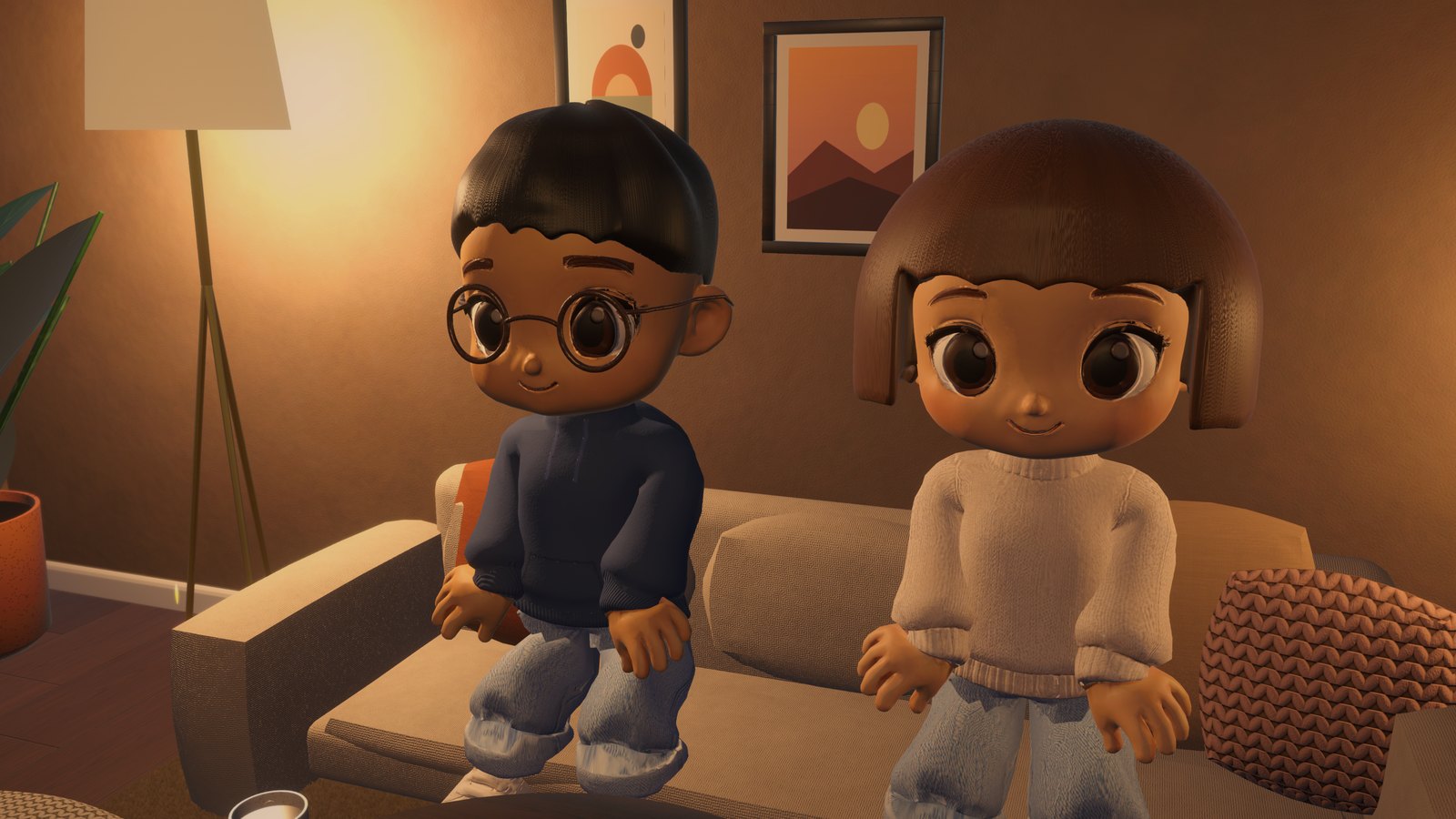
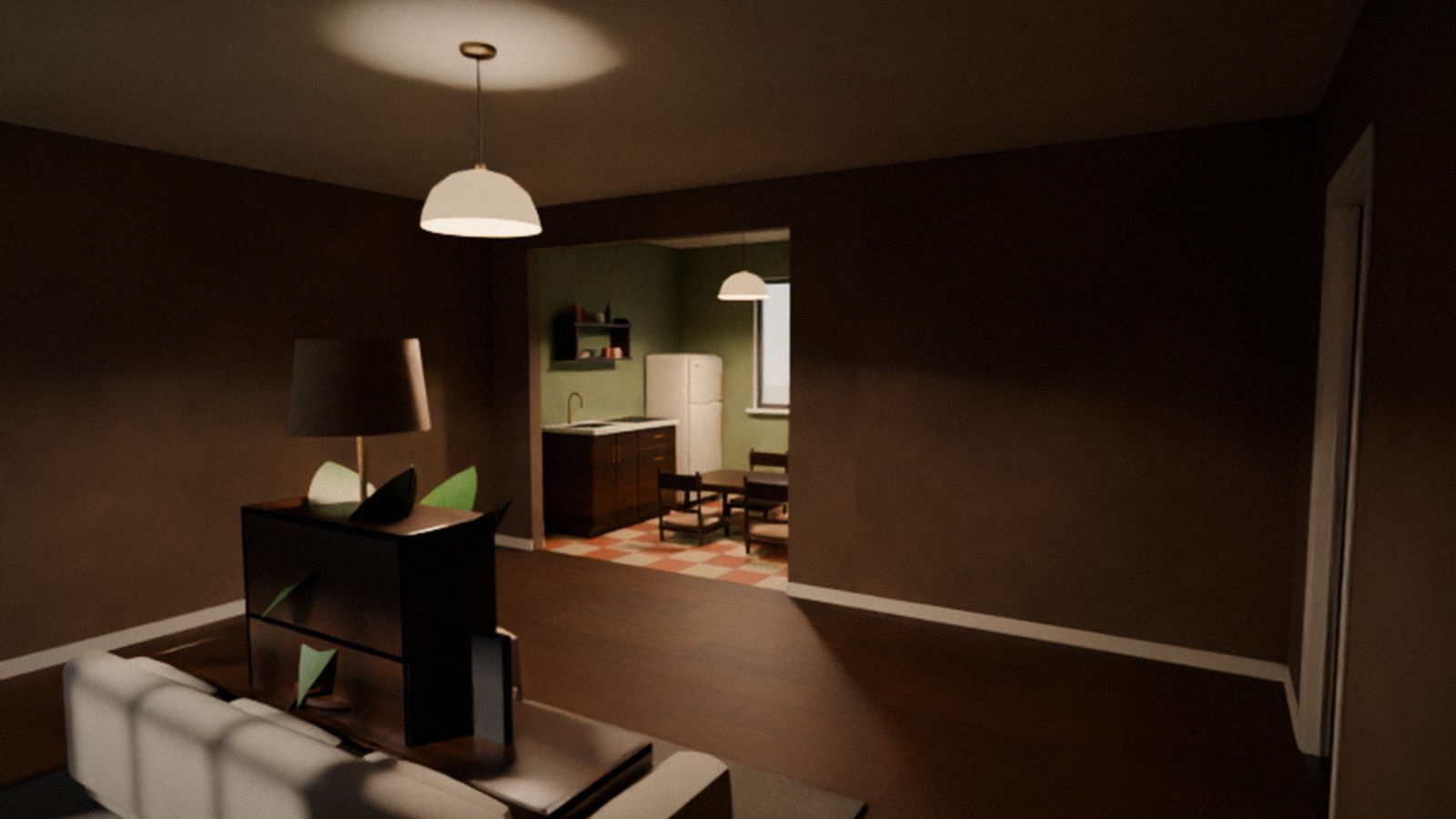
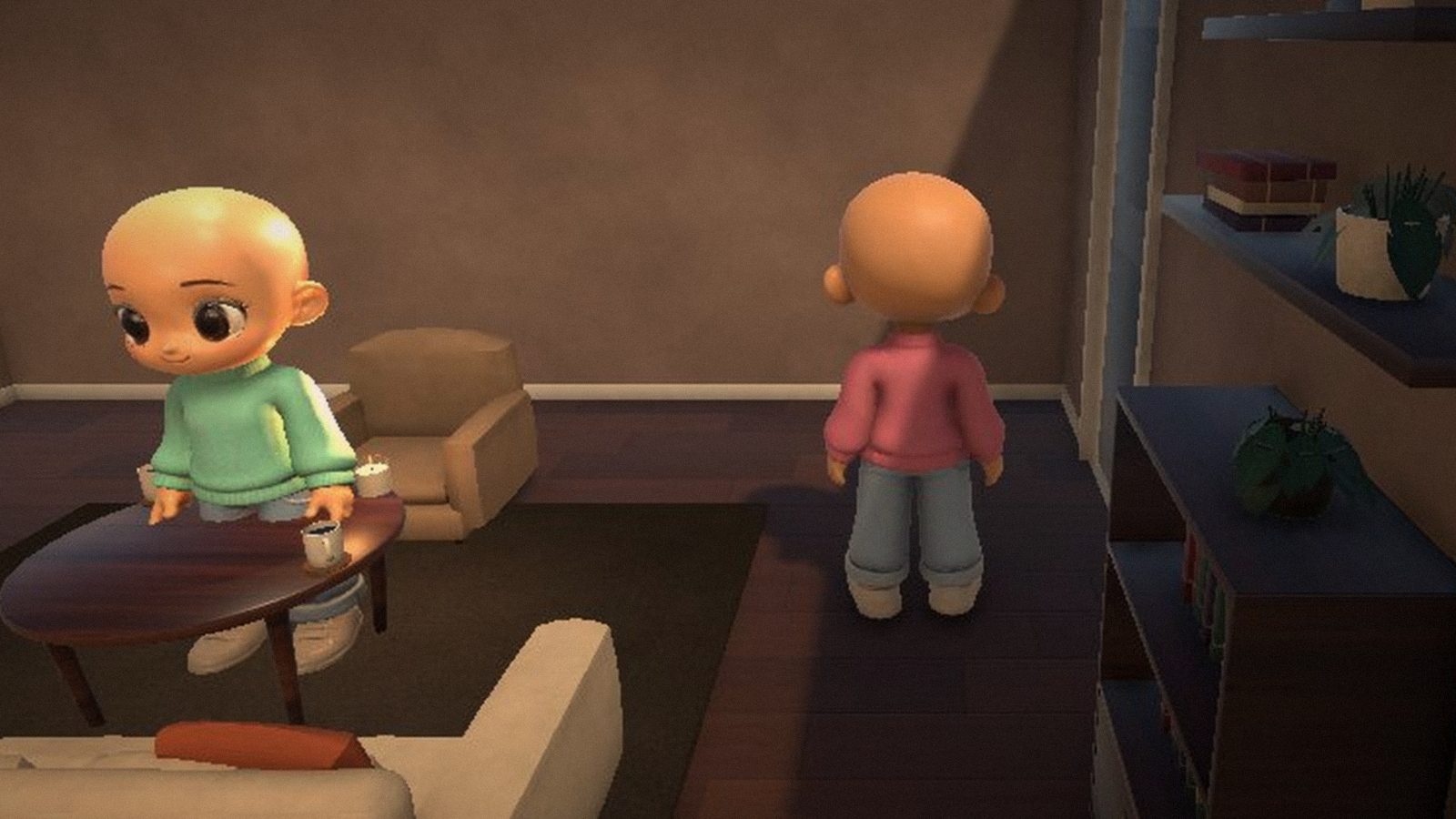
    The first version of Cozy World you can play with friends online: your own studio apartment, about 40 pieces of furniture, a character with a wardrobe, chat, emotes and the card game Durak at the kitchen table.

    • Windows