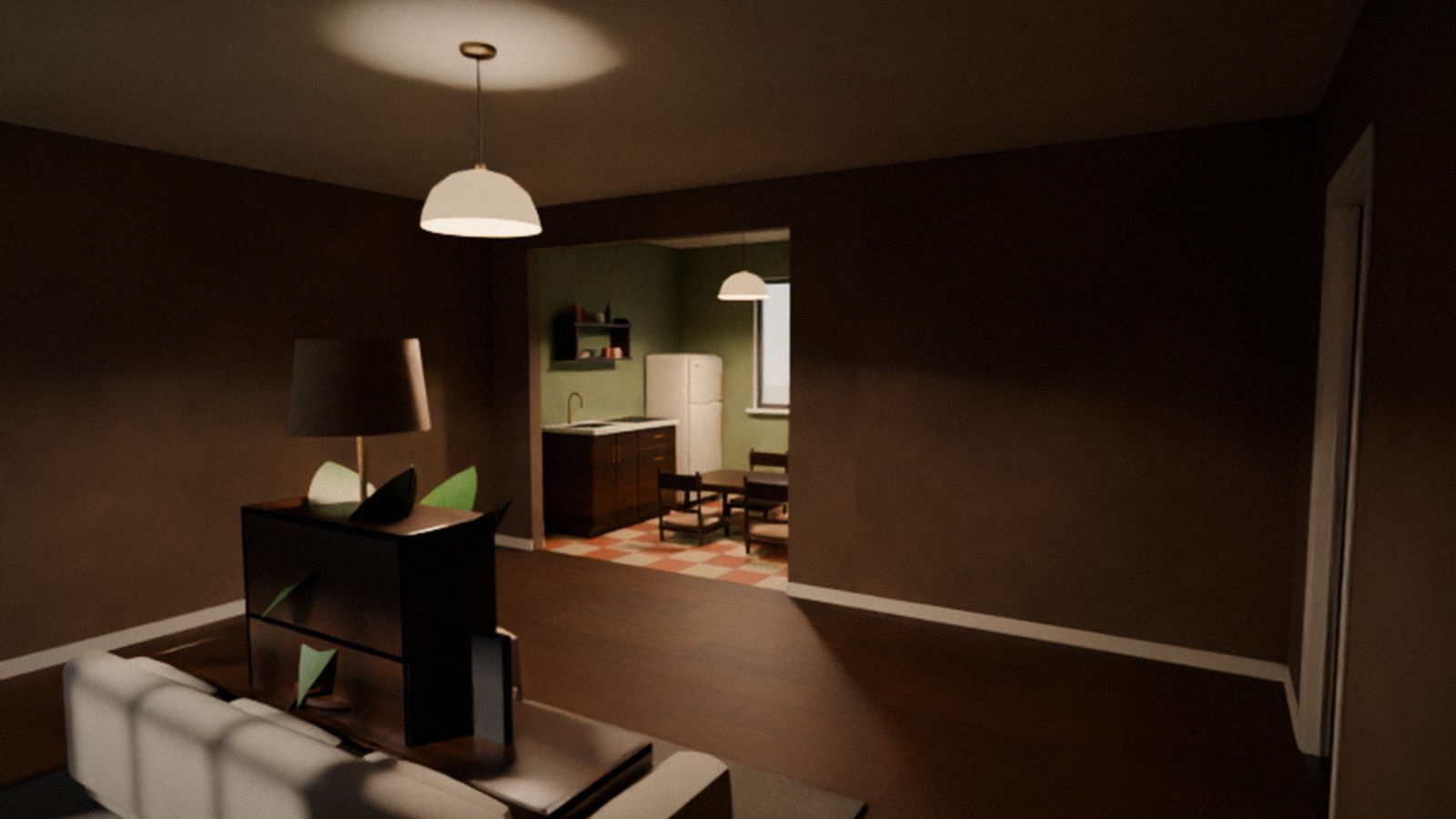
A small update right after 0.3 — mostly for phones. Thanks to everyone who reported bugs!
New
- Furnishing by touch. On phones and tablets you can move, rotate and remove furniture with your fingers — just like with a mouse on PC.
- The game as an app. In a phone browser you now get an install screen instead of the game: it walks you through adding Cozy World to your Home Screen (on Android, just tap “Install”). Launched from the icon, the game opens full screen with no browser bar. Or tap “Play in Telegram” right there. The game no longer starts in a regular browser tab on phones — the browser bars were covering it.
- “What’s new” window. After an update the game shows once what has changed — with a link to the full list on the website.
Improved
- Running on phones. Now it works like in big mobile games: the whole joystick is for walking, and you run only when you push your finger far forward (a run icon appears).
Fixed
- Pressing E (or Action on phones) did not sit you on a chair or sofa or lay you on a bed — the “E — sit” hint showed up, but nothing happened.
- On PC, the “Join the table” and “Ready” buttons at the Durak table could not be clicked with the mouse.
- In Telegram, full-screen play was cut off and hidden under the Telegram header.
- On iPhone, when launched from the Home Screen, there was a strip at the bottom and the screen notch covered part of the interface.
- On phones the page could reload in the middle of loading the game — the phone ran out of memory.
Known issues
- The 0.2 launcher will not update itself. Download the new installer on the Download page and install over the old one — your apartment, friends and character stay.
- Graphics on phones are the same as on PC, so the game may stutter on weaker phones.