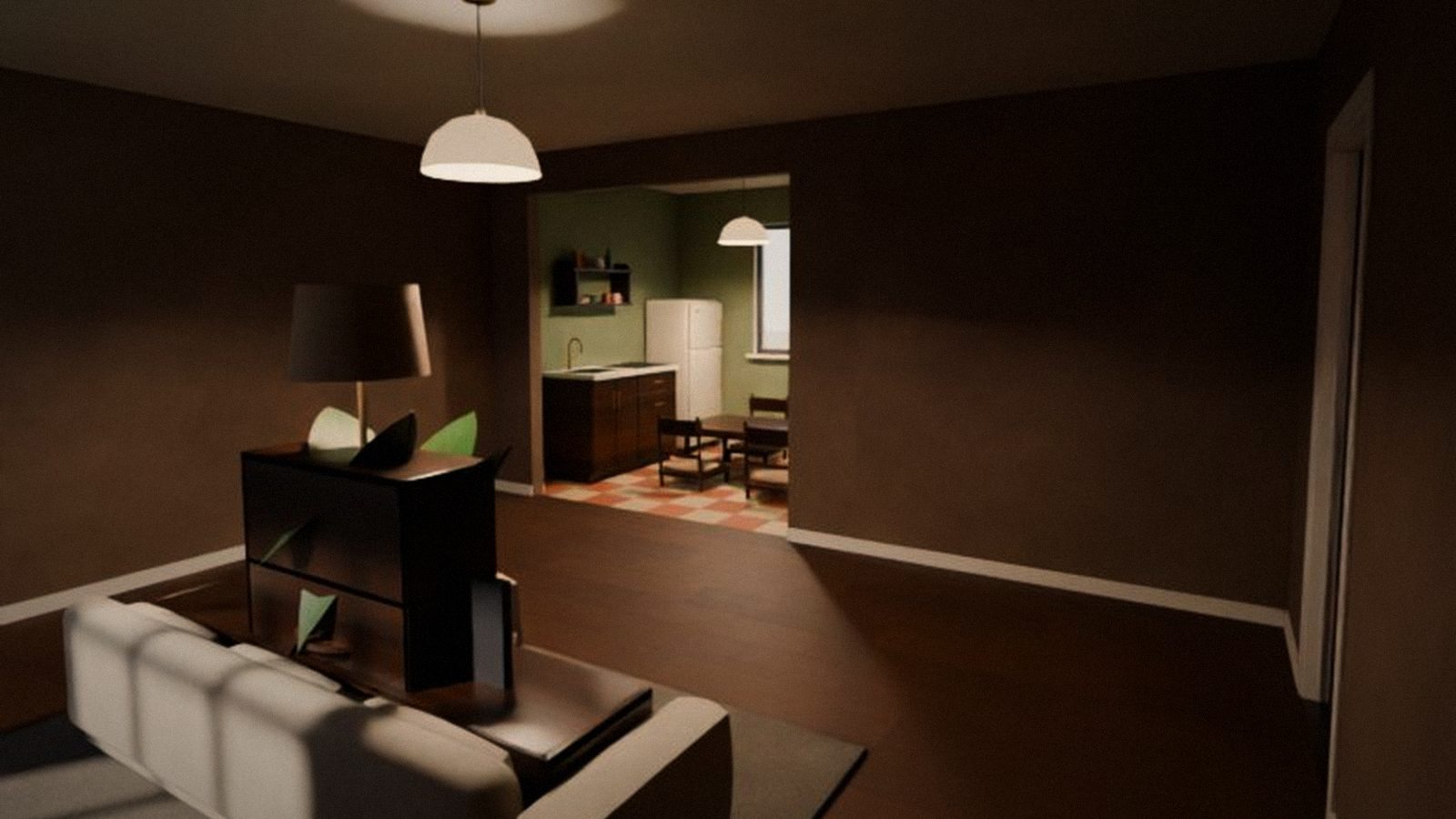
The big thing in this version is phones. Cozy World opens in a phone browser and right inside Telegram, and you can control your character with your fingers. PC got better too: mouse, hints, sign-in and installation.
New
- Touch controls on phones and tablets: a joystick on the left (it appears under your finger), camera turn with your finger on the right, buttons for Action, jump, emotes, chat, view, friends and menu. Turns on by itself; in settings you can choose the mode, sensitivity and button size.
- Cozy World in Telegram. The “Play” button in @cozyworldgamebot opens the game right inside Telegram, full screen. You are signed in automatically, no codes.
- Full screen on phones. On Android the game goes full screen on the first tap and turns to landscape. On iPhone we show how to add the game to the Home Screen — then it opens like an app.
- Typing on phones: chat and name use the regular on-screen keyboard.
- Control hints. In the first minutes — cards with key badges (“W A S D — walk”, “Mouse — look around”…), then they hide. F1 shows the full list of keys, with “Show the tutorial again”.
- Online installer for Windows, about 2 MB: pick a folder, and the launcher downloads the game — resuming if the connection drops.
- Esc menu with an “Apartment” section: invite a friend, join by code, furnish, friends and controls — all in one place.
Improved
- Sign in only through the bot — with one button. The sign-in screen has a single “Sign in with Telegram” button, plus a QR code for your phone on PC. Press “Start” in the bot — and you are in the game, no confirmations.
- A nicer bot: a welcome message and buttons “Play”, “Download for PC”, “Play in browser”.
- Mouse. In the apartment the cursor is hidden and the camera turns as you move the mouse. The cursor shows up in menus and windows, on Esc and while you hold Alt. In the browser — “Click to play”.
- Last sign-in wins. Signed in on another device? The old one shows “You signed in to Cozy World on another device” and a “Play here” button.
- Reconnect. If the connection drops (new Wi-Fi, mobile data, PC went to sleep), the game brings you back to the apartment by itself.
- Browser loading shows real progress in megabytes and the stages: downloading, unpacking, starting.
- On phones, browser sound turns on by itself on the first tap.
- Buttons that covered the game are gone from the screen — everything is in the Esc menu and on keys.
Fixed
- In the browser, Cyrillic letters were missing on buttons — the whole game now uses its own font with Cyrillic.
- The 0.2 launcher crashed on start on some computers.
- After an emote, the first-person camera switched to third person — now your view comes back.
- Signing in on another device could kick the new device instead of the old one.
- Browser loading was stuck at 0 %.
Known issues
- The 0.2 launcher will not update itself. Download the new installer on the Download page and install over the old one — your apartment, friends and character stay.
- The bot description picture (what you see before pressing “Start”) may appear a bit later.
- Safari on iPhone has no full-screen mode — add the game to your Home Screen.
- Furnishing on a phone is not comfortable yet — better do it on PC (fixed in 0.3.1).
- Pressing E does not sit you on a chair, sofa or bed (fixed in 0.3.1).
- Graphics on phones are the same as on PC, so the game may stutter on weaker phones.