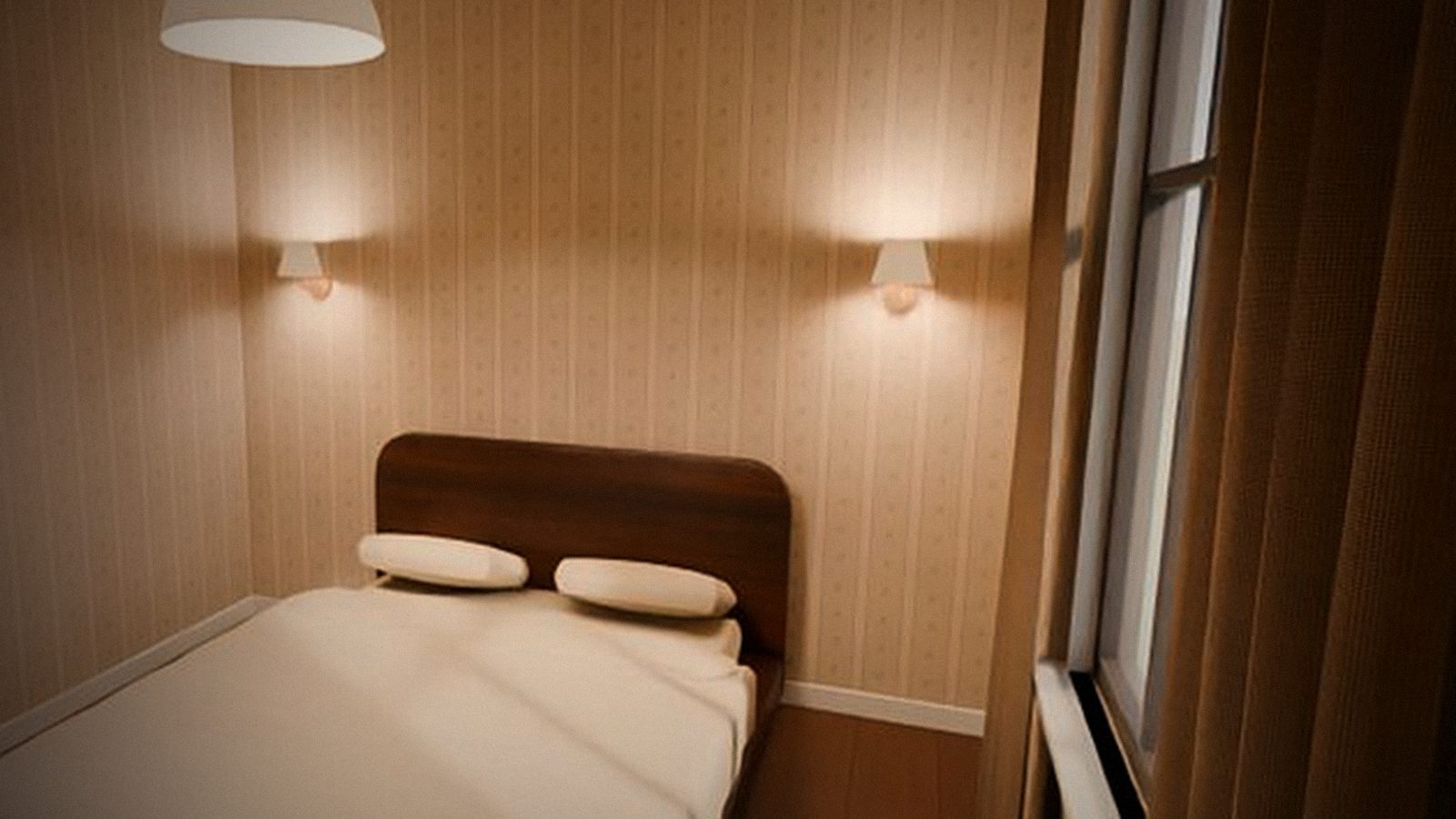
Cozy World now opens right in your browser, and you sign in with Telegram. Your apartment, friends and character are the same on PC and in the browser.
New
- Play in the browser. Cozy World opens at cozyworld.online/play — no install needed (a browser with WebGL 2: Chrome, Edge, Firefox). Browser and Windows share one apartment: your friend can join from either.
- Sign in with Telegram. Press “Sign in with Telegram” in the game and “Start” in the @cozyworldgamebot bot. One account on every device. Your name comes from Telegram — you can change it in “Profile”.
- Windows installer with a desktop shortcut and a launcher: the game updates itself when you start it.
- A new view from the windows: instead of a flat picture — a street with real depth, by day and by evening.
Improved
- Updates download only the files that changed — usually seconds, not the whole game again.
- In the browser, clothes, music and pictures load in parts and stay cached — the second launch is faster.
- The game reports errors and crashes to us, and monitoring watches the servers — we fix things before you have time to write.
Known issues
- Accounts from 0.1 (guest accounts) were removed — sign in with Telegram and create your character again.
- In the browser, Cyrillic letters are missing on some buttons (fixed in 0.3).
- Browser loading may stay at 0 % even though the game is loading (fixed in 0.3).
- On some computers the launcher crashes on start (fixed in 0.3 — get the new installer).
- Signing in on another device may kick the new device instead of the old one (fixed in 0.3).