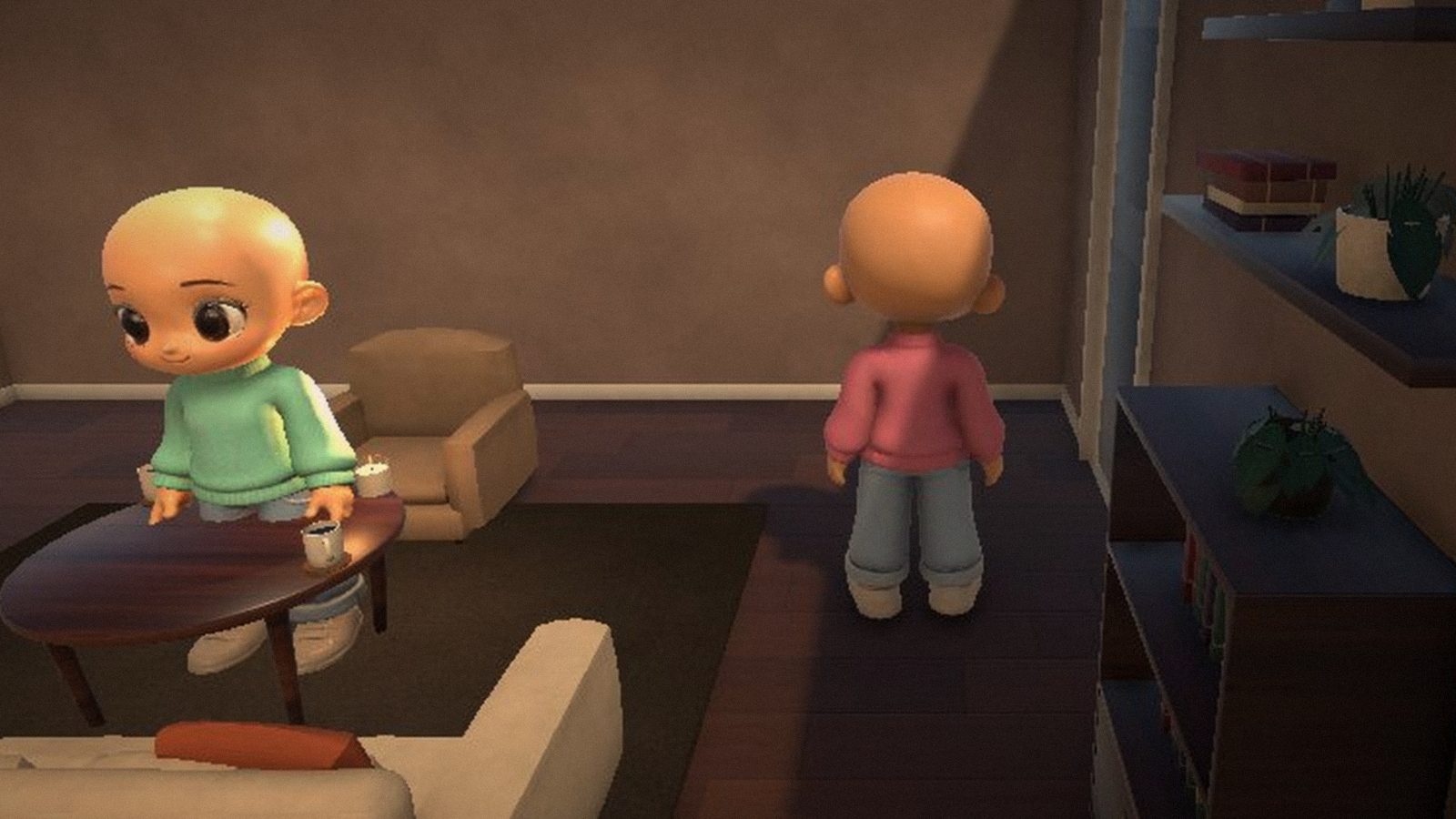
The first version you can play with a friend over the internet. Download, unpack, run CozyWorld.exe — and invite your friends over.
New
Your own apartment
- A studio apartment: living room, kitchen, bedroom, bathroom and hallway.
- “Furnish”: move, rotate and remove furniture, place new pieces from your inventory — about 40 items: sofa and armchairs, bed, kitchen, bathroom, wardrobes, lamps, plants, rugs, paintings, mirrors. Your layout is saved.
- A living home: doors open, water runs from the tap, lights turn on with switches and lamps (E).
- Day and evening: sunlight through the windows by day, warm lamps and city lights in the evening. The host picks the time (Esc → “Time”).
- Mirrors that show your reflection.
Character
- Create your character on first launch: body, skin tone, face, hairstyle.
- Clothes, colors and accessories — at your own wardrobe: “E — Change clothes”.
- Third-person or first-person view (V).
Together with friends
- Friends (O): everyone has a friend ID, you can see who is online and invite them with one click.
- Or an invite code: “Invite” → a 6-character code → your friend enters it in “Join by code”.
- Apartment chat (Enter) with a speech bubble above your head.
- Emotes and dances: emote wheel (T) and quick keys 1–4.
- Together: hug, high five, shake hands (F), lie down side by side on the bed.
- Jump (Space) and run (Shift). Up to 4 people in an apartment.
Durak at the table
- One-on-one Durak (a classic Russian card game): real cards, your own hand fan, 45 seconds per turn, “Play again”.
Cozy touches
- Music (lo-fi, piano, soft acoustic) and home sounds: steps, doors, water, furniture.
- Photo mode (P): free camera, poses, filters and frames. Shots are saved to “Pictures/Cozy World”.
- A main screen with your character in the apartment, settings for graphics, sound, mouse and camera.
- The game tells you when a new version is out.
Known issues
- Windows 10/11 (64-bit) only. The browser version comes in 0.2.
- Guest login: on another computer or after reinstalling Windows you get a new account.
- This is an early version — some things may not work perfectly. Found a bug? Write to us and attach
%USERPROFILE%\AppData\LocalLow\Cozy Table\Cozy World\Player.log.