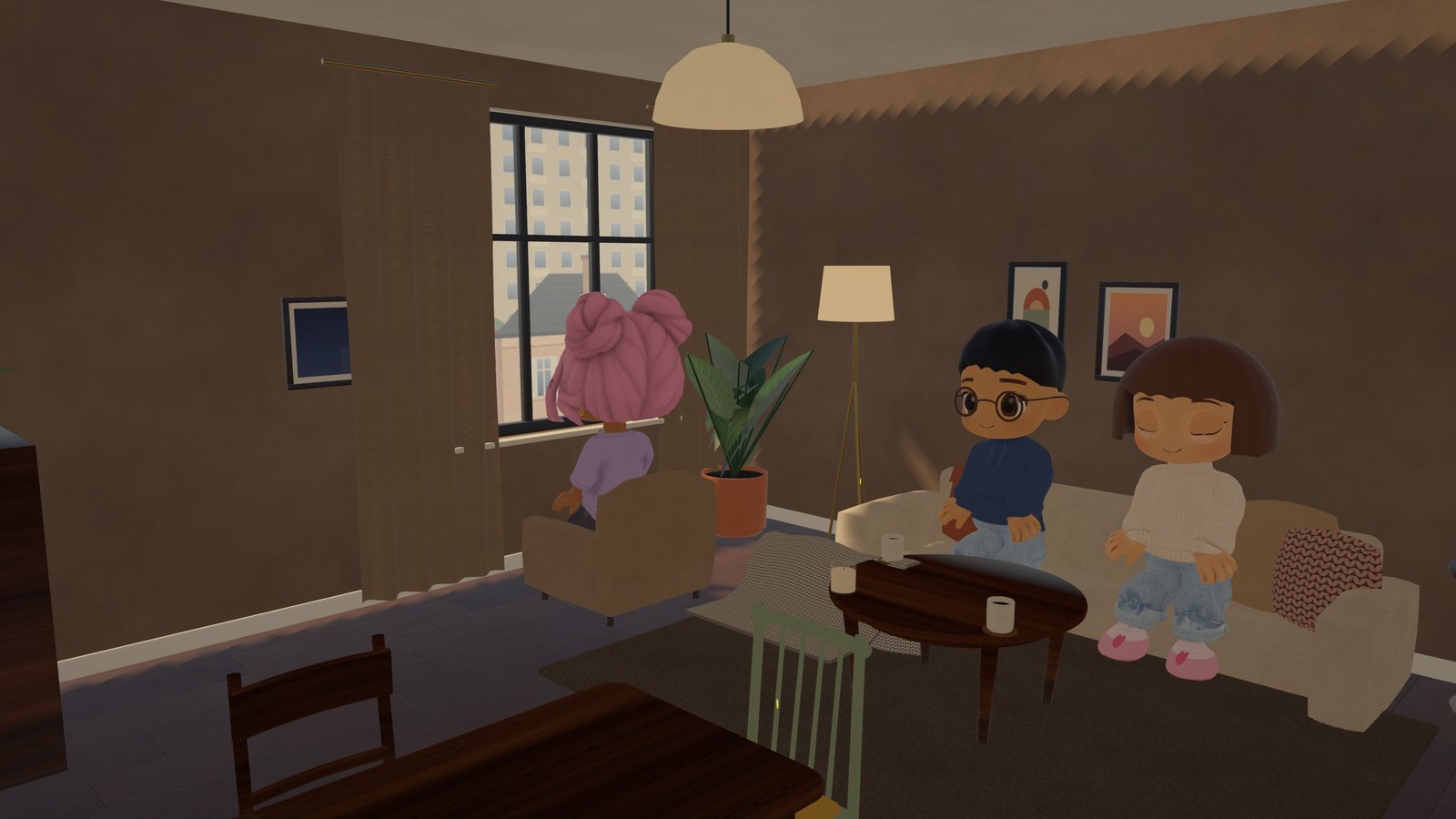
We keep making the game smoother on phones.
New
- Graphics for your device. In the browser and in Telegram the game figures out how powerful your phone or computer is and picks a fitting quality: Low, Medium or High. If it still stutters, during the first seconds in your apartment the game lowers the quality once and tells you.
- “Auto” in settings. You can see what the game chose — and always pick your own. Reset brings back Auto.
Improved
- Changing clothes colour is now instant, without a hitch.
- Smoother from the start. While the menu is open the game prepares graphics in advance — fewer stutters when you first see new things.
- The fluffy rug is simple on weaker devices, without shimmering fur.
Fixed
- Skin no longer shows or flickers through skirts and scarves.
- On phones buttons no longer “blink” highlighted after a tap.
- Text no longer flickers when the game first shows new letters.
- New clothes no longer appear white for a second while loading.
Known issues
- The launcher from version 0.2 won’t update itself. Download the new installer on the Download page and install over it — your apartment, friends and character are kept.
- Hands look unnatural in some poses (sitting in an armchair, hugs) — we’ll fix that in an upcoming update.